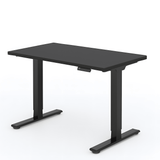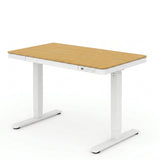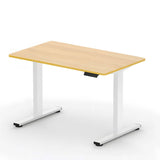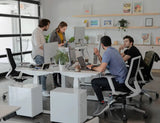

The standing desk has revolutionized the modern workplace, establishing itself as an essential tool in the quest for healthier work styles. In an era where sedentary lifestyles are increasingly common, the standing desk offers a dynamic alternative to traditional office layouts.
Let's explore the optimal balance between sitting and standing so you can maximize the benefits of your standing desk without compromising your comfort or health. Whether you're considering switching to a standing desk or looking to optimize your current setup, understanding how to use these desks effectively is key.
Why Have Standing Desks Become Popular in Modern Workspaces?
The standing desk has seen a meteoric rise in popularity as awareness of the health risks associated with prolonged sitting has grown. This trend is rooted in a growing recognition of the sedentary nature of contemporary office work, which often involves long periods spent sitting at a desk.
Research has highlighted the health problems associated with this sedentary lifestyle, including obesity, heart disease, and lower back pain. Faced with these risks, individuals and businesses have sought ways to combat them.
Height-adjustable desks and sit-stand desks have emerged as practical solutions, offering the flexibility to alternate between sitting and standing positions. These ergonomic desks meet the diverse needs of users, adapting to different postures and activities throughout the workday.
Additionally, the endorsement of standing desks by health and ergonomics experts has played a significant role in their widespread adoption. These specialists highlight how standing desks can have a positive impact on health and productivity, contributing to a more active and engaged workforce.
This trend has also been fueled by technological advancements that make these offices more accessible and user-friendly.
What are the Health Benefits of Using a Standing Desk?
The health benefits of using a good standing desk are numerous and significant. Chief among these is the potential reduction of risks associated with a sedentary lifestyle. By alternating between sitting and standing, standing desk users can reduce prolonged inactivity and support their overall well-being.
Improved Posture: Standing desks contribute to better posture and reduced back discomfort. Traditional office chairs, if not used properly, can cause slouching and poor posture, leading to back problems, especially in the lumbar region. A standing desk encourages a more natural alignment of the spine.
Metabolic Benefits: Standing while working can help maintain healthy blood flow, balanced blood sugar levels, and proper body weight. Studies suggest that alternating between sitting and standing can support metabolism and prevent weight gain.
Increased Energy and Focus: Standing desks also have mental health benefits. Users often report increased energy and focus, contributing to increased productivity and job satisfaction.
What is the Best Way to Balance Sitting and Standing?
Finding the right balance between sitting and standing at a sit-stand desk is crucial to reap the ergonomic benefits without inviting discomfort or health problems. The key is to alternate between these two positions throughout the day, being careful not to stay in either posture for too long.
Gradual Strategy: Start gradually, especially if you're new to using a standing desk. Start by standing for short periods, such as 15 to 20 minutes every hour, and gradually increase this time as you feel more comfortable.
Listen to Your Body: Pay attention to your body's signals. Discomfort or fatigue are indicators that it's time to change positions. Don't hesitate to sit down if you feel the need.
Using Ergonomic Accessories: Using ergonomic accessories can also improve this balance. An anti-fatigue mat can provide cushioning and support while standing, reducing strain on your feet and leg muscles. Similarly, make sure your office chair is comfortable and provides good support to encourage proper posture while sitting.
Incorporate Regular Breaks: Incorporate regular breaks into your routine. Short breaks to stretch or walk can improve circulation and provide a change in posture, contributing to overall well-being and productivity.
How Long Should You Stand at a Standing Desk?
Determining how long you should stand at a standing desk involves a variety of factors, including your personal comfort, the nature of your job, and ergonomic guidelines. While there is no universal answer, several studies and ergonomics experts provide general recommendations for creating an optimal sit-stand routine.
Recommended Sit-to-Stand Ratio: The general consensus among experts suggests a 1:1 or 2:1 ratio for sitting versus standing. This means that for every hour or two you spend sitting, you should stand for one hour.
Personalize Your Routine: It's important to customize this ratio based on your individual comfort levels and tasks. Some people may find they can stand longer, while others may need more frequent sitting breaks.
Maintain Good Posture: When standing, maintain good posture to maximize the benefits. Keep your legs slightly apart, your weight distributed evenly on both feet, and your spine in a neutral position.
Desk Height Adjustment: Your standing desk should be at a height where your arms can rest comfortably at a 90-degree angle while you type, and your computer monitor should be at eye level to prevent neck strain.
Incorporate Physical Activities: It's also important to consider physical activity beyond standing. Incorporating exercises like stretching or walking during breaks can enhance the health benefits of using a standing desk.
Adapt Gradually: For those new to standing desks, start slowly. Gradually increase your standing time over several weeks to allow your body to adjust. Pay attention to any discomfort or fatigue and adjust your routine accordingly.
Helpful Tip: A simple idea to start with: stand during meetings or phone calls, and sit when doing focused work.
Ultimate Goal: Ultimately, the goal is to create a dynamic work environment where you can move and change positions throughout the day. By doing this, you combat the risks associated with a sedentary lifestyle and promote health and productivity.
How to Avoid Health Problems Related to Prolonged Standing?
While standing desks offer numerous health benefits, prolonged standing, especially in poor posture, can lead to its own health problems. Awareness and preventative measures are essential to avoid these problems.
Preventing Back Discomfort: A common problem associated with prolonged standing is lower back discomfort, which can be alleviated by maintaining good posture with the spine in a neutral position and avoiding hunching.
Vary Weight: Remember to shift your weight between your feet regularly, and consider wearing comfortable shoes to support your feet.
Use Compression Stockings: Consider wearing compression stockings if you'll be on your feet for most of the workday. This helps maintain healthy circulation and reduce pressure on the veins in your legs.
Balance Standing and Sitting Time: It's important to balance your standing time with periods of sitting and ensure you don't overexert yourself. Regular physical activity, such as walking or stretching during breaks, can help counteract these effects by improving circulation.
Listen to Your Body: By being aware of these risks and taking proactive steps to address them, you can enjoy the benefits of a standing desk without compromising your health. Remember, the goal is to create a dynamic work environment that promotes both productivity and well-being.
What Ergonomic Accessories Can Improve a Standing Desk?
Incorporating the right accessories is crucial to maximizing the benefits of a standing desk and ensuring ergonomic comfort.
Anti-Fatigue Mat: An anti-fatigue mat is one of the most beneficial additions. It provides cushioning under the feet, reducing fatigue and strain on leg muscles during long periods of standing.
Adjustable Monitor Stand: An articulating arm or monitor stand that ensures your computer screen is at the correct eye level. This helps maintain a neutral neck position and reduces the risk of eye strain and neck pain.
Ergonomic Keyboard and Mouse: Consider a separate keyboard and mouse to maintain ideal elbow and wrist angles when typing and browsing, especially if you're using a laptop.
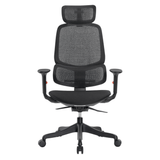
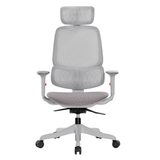
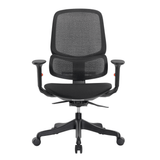
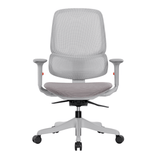
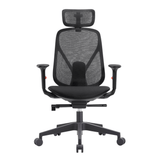
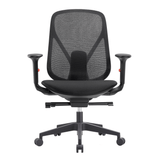
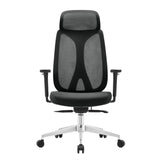
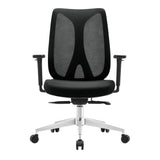
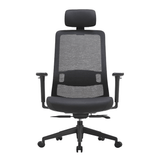
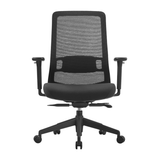
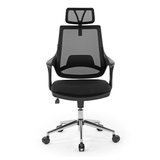
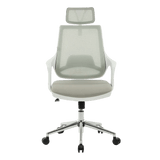
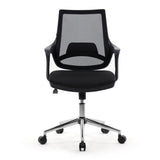
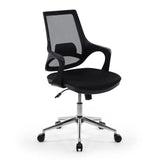
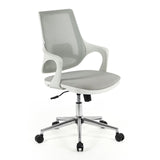
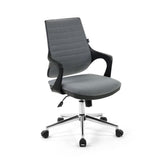
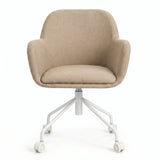
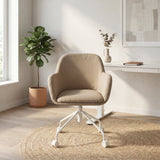
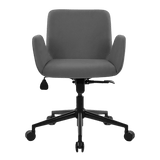
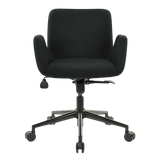
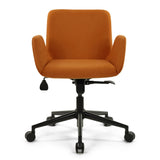
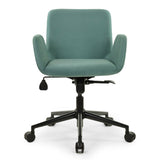
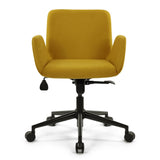
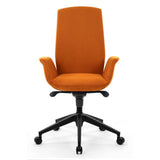
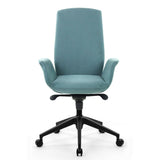
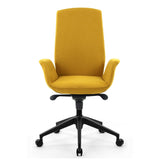
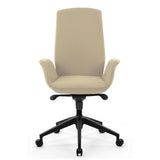
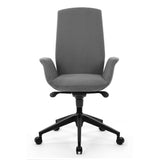
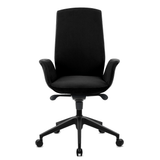
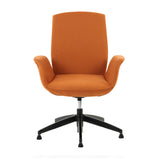
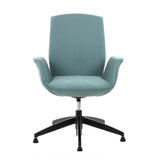
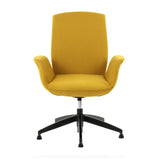
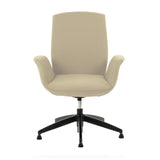
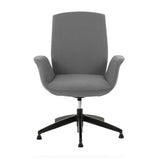
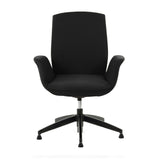
Ergonomic Chair: For those who alternate between sitting and standing, an ergonomic chair is essential. Choose a chair with good lumbar support, adjustable height, and tilt features to maintain good posture while sitting.
Footrest: A footrest can also be beneficial, especially when sitting. It helps maintain an ergonomic posture by supporting the legs and reducing pressure on the lower back.
These accessories enhance the functionality of a standing desk and contribute to overall comfort and ergonomic alignment, making your workspace more conducive to health and productivity.
Conclusion
Adopting a standing desk—whether it's a new standing desk, a height-adjustable desk, or a standing desk converter—requires finding balance in your posture throughout your workday. Gradually adjust to longer periods of standing for a healthier routine, ensuring your workspace evolves with your needs for optimal productivity.
At Lima Design , we understand the importance of an ergonomic and dynamic workspace. We are dedicated to providing you with solutions that promote not only your health but also your efficiency at work. Feel free to browse our range of standing desks and ergonomic accessories to transform your work environment.