
In a world where sitting down has become the norm, musculoskeletal pain, particularly shoulder pain, is affecting more and more people. It manifests itself gradually, often in a dull and diffuse manner, until it becomes bothersome or even disabling.
Most often, these pains are not due to a serious medical problem, but to a set of small imbalances linked to the work environment, the posture adopted and the lack of daily movement.
In this article, we will explore in depth the common causes of shoulder pain when sitting for long periods , and above all, the concrete, long-lasting and accessible solutions to remedy it.
Understanding the origin of shoulder pain at the office
Before seeking to relieve pain, it is essential to understand why it occurs.
1.1 A prolonged static posture
When you sit for hours on end, your shoulder muscles—particularly the upper trapezius, posterior deltoid, and scapula stabilizing muscles—are constantly engaged to maintain posture. This static work, even if mild, can cause:
-
A buildup of muscle tension
-
Soft tissue compression
-
A decrease in local blood circulation
1.2 An unbalanced posture
Rolling the shoulders forward, often caused by a poorly positioned screen or a keyboard that is too far away, accentuates thoracic kyphosis and creates chronic joint stress on the shoulders.
1.3 A non-ergonomic environment
A desk that's too high, a chair that's poorly adjusted, or a screen that's positioned too low forces you to adapt your body to the environment, instead of the other way around. As a result, your shoulders compensate, often unconsciously.
Essential ergonomic adjustments to prevent pain
A well-designed workstation is the first line of defense against pain. Here are the elements to optimize.
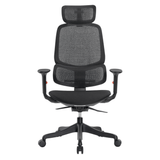
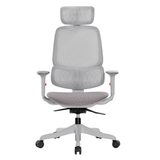
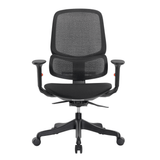
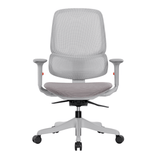
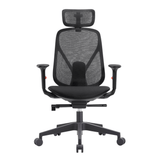
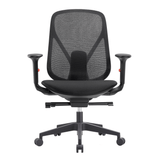
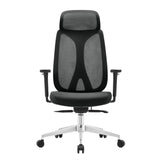
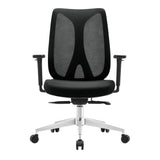
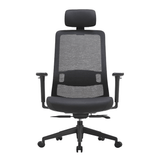
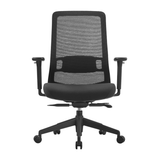
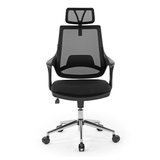
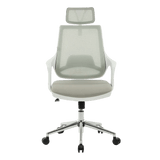
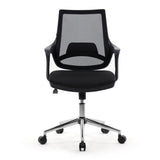
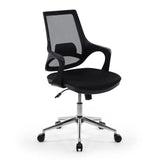
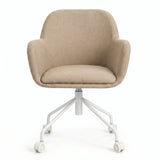
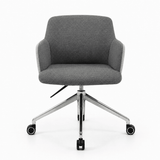
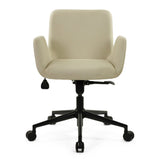
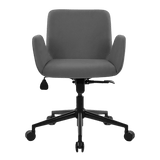
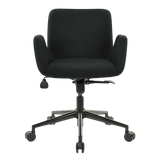
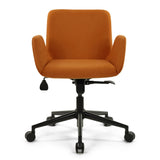
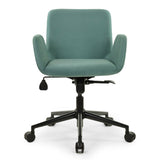
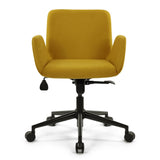
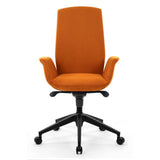
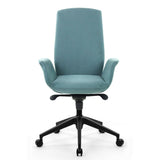
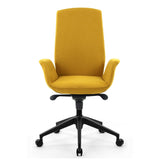
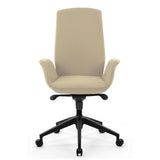
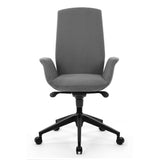
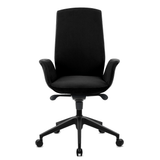
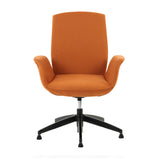
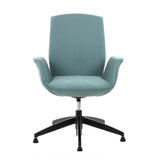
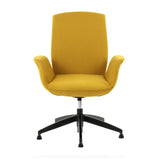
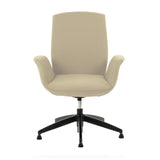
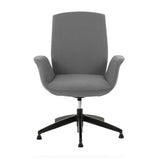
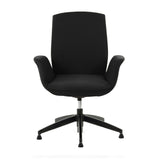
2.1 The office chair: the basis of posture
Your chair should allow you to adopt a neutral, stable and comfortable position.
Essential features of an ergonomic chair:
-
Adjustable height : your feet should be flat on the floor with your knees at right angles.
-
Adjustable backrest : it must support the natural curvature of the lower back.
-
Seat depth : approximately 5 cm between the edge of the seat and the back of the knees.
-
Adjustable armrests : Your forearms should be able to rest without raising your shoulders.
A good chair helps you stay aligned, without excessive muscle strain.
2.2 Desk height and position
The desk should never be too high. If it is, you will be forced to shrug your shoulders constantly.
General rule : The work surface should be slightly below your elbows when you are seated. You should be able to rest your forearms comfortably without lifting or compressing your shoulders.
2.3 Screen Position
The screen is too often neglected, even though it conditions the position of the head and, by chain effect, that of the shoulders.
Positioning tips:
-
The top of the screen should be at eye level .
-
The screen should be at a distance equivalent to your arm's length .
-
If you use a laptop , invest in a riser stand , with an external keyboard and mouse .
A screen that's too low forces you to tilt your head and round your upper back, putting unnecessary strain on your trapezius muscles.
Organization of the work plan: reduce constrained gestures
Good ergonomics isn't just about furniture: how you organize your office also plays a crucial role.
3.1 Keyboard and mouse
They should be close to you, at the same height, and positioned so that they do not spread your elbows laterally.
To avoid:
-
Extend your arm to use the mouse
-
Cross your wrists while typing
-
Work with the shoulders "hanging" without support
Best practices:
-
Keep your wrists in line with your forearms
-
Use a mouse pad with wrist rest if necessary
-
Test a vertical mouse or trackball to reduce strain
3.2 Useful accessories
-
Document holder to prevent repeated twisting of the neck and shoulders
-
Headphones for frequent calls (avoids trapping the phone between your ear and shoulder)
-
Adjustable desk lamp to avoid compensatory postures linked to poor lighting
Incorporate movement into your work routine
Sitting for hours, even with perfect posture, is unnatural. The human body is designed to move.
4.1 Active breaks
Ideally, get up every 45 to 60 minutes , even if it's just for one or two minutes.
Micro-break suggestions:
-
Walk to the kitchen or window
-
Take a few steps while calling a colleague
-
Practice 3 to 5 shoulder rotations or cervical tilts
4.2 Simple exercises to do at the office
-
Backward Shoulder Rolls (10 reps)
-
Cross-arm stretch : Gently pull one arm toward the opposite shoulder
-
Trapezius self-massage : gently press the area with your fingers
-
Chest extension : interlace your fingers behind your back and pull back slightly
Just a few minutes are enough to release tension and improve posture.
Outside of work: strengthen and loosen the shoulder girdle
Preventing pain also involves regular muscle maintenance, particularly postural muscles .
5.1 Reinforcement
-
Push-ups against a wall
-
Elastic rowing : using an elastic band or a water bottle, pull your elbows back
-
Lateral raises with light loads
-
Scapular retractions : squeeze the shoulder blades together for 5 seconds
Objective: To improve the stability of the shoulder blades and reduce the load on the trapezius muscles.
5.2 Relaxation
-
Neck stretch : tilt your head gently to one side, hold for 15 seconds
-
Child's Pose (yoga)
-
Chest opening to the wall
-
Posterior Deltoid Stretch
2 to 3 10-minute sessions per week can make a real difference.
The unsuspected influence of the environment
Certain details, often overlooked, can accentuate discomfort without us realizing it.
6.1 Lighting
Insufficient lighting causes you to lean towards the screen, causing continuous shoulder tension.
-
Prefer natural light
-
Add a desk lamp directed towards your workspace
-
Avoid screen glare
6.2 Temperature and ambient stress
-
Cold tenses muscles — keep room temperature stable
-
Mental stress often manifests as tense shoulders — breathe, take breaks, refocus
In summary
Shoulder pain at the office isn't inevitable. It's often the result of a series of small details—posture, environment, and immobility—that combine to create an imbalance.
The keys to avoiding them:
-
Adopt a neutral and dynamic posture
-
Set up an ergonomic and tailor-made workstation
-
Incorporate movement and stretching into your day
-
Actively strengthen the upper back muscles
-
Be aware of your stress level and the work environment
Preventing these pains is an investment in your comfort, your health and your ability to work sustainably and efficiently.